
Stay informed with news, updates, and best practices on the ParentSquare blog.
Explore
Core Platform

Solutions for every role in your school community
See how we solve real challenges facing schools
Insights and ideas that add value to districts
A centralized hub for expert help and guidance

Expand your reach beyond parents and connect with alumni, volunteers, booster organizations, and community partners—all in the same platform you already use for family communication.
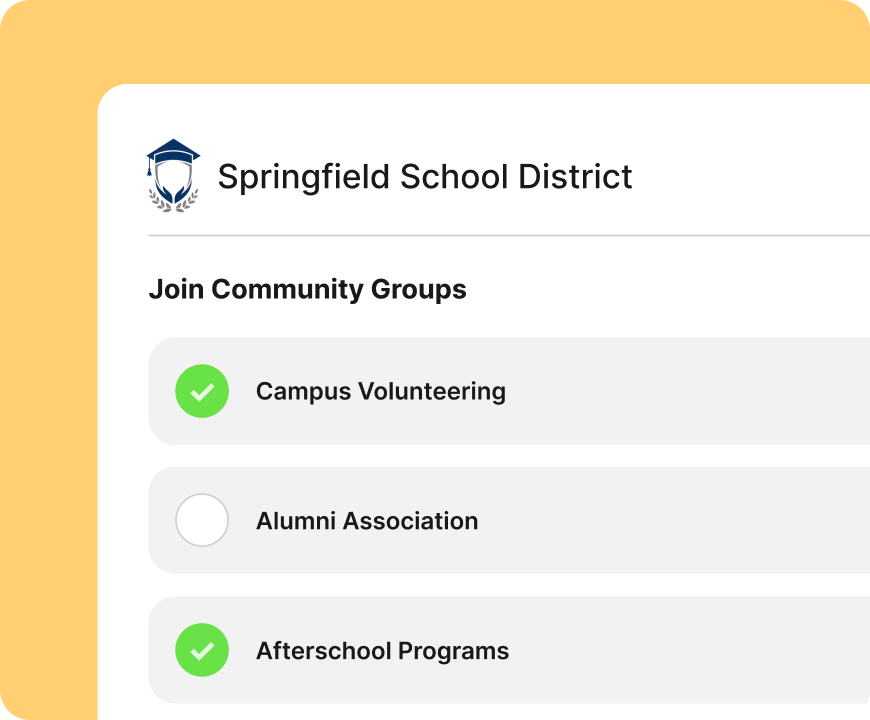
No more spreadsheets, paper forms, or scattered links. Create a single, easy-to-share signup page where community members can discover and join the groups that matter to them, from athletics and PTA to after-school programs and volunteer opportunities.
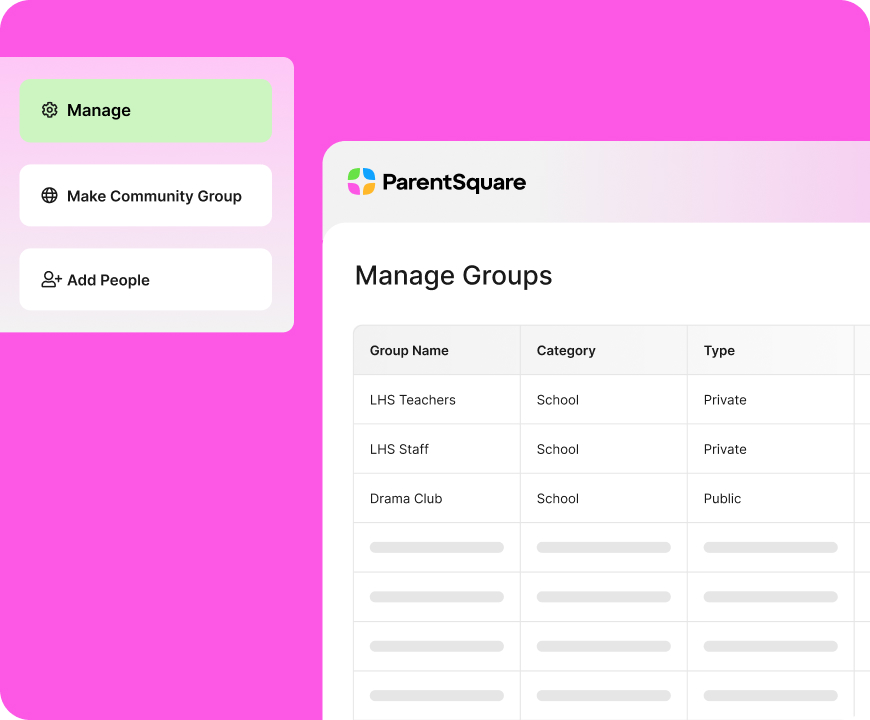
Maintain full control over how community groups are created, managed, and moderated. Choose which groups are open to anyone and which require approval, assign group owners, and set permissions that fit each use case
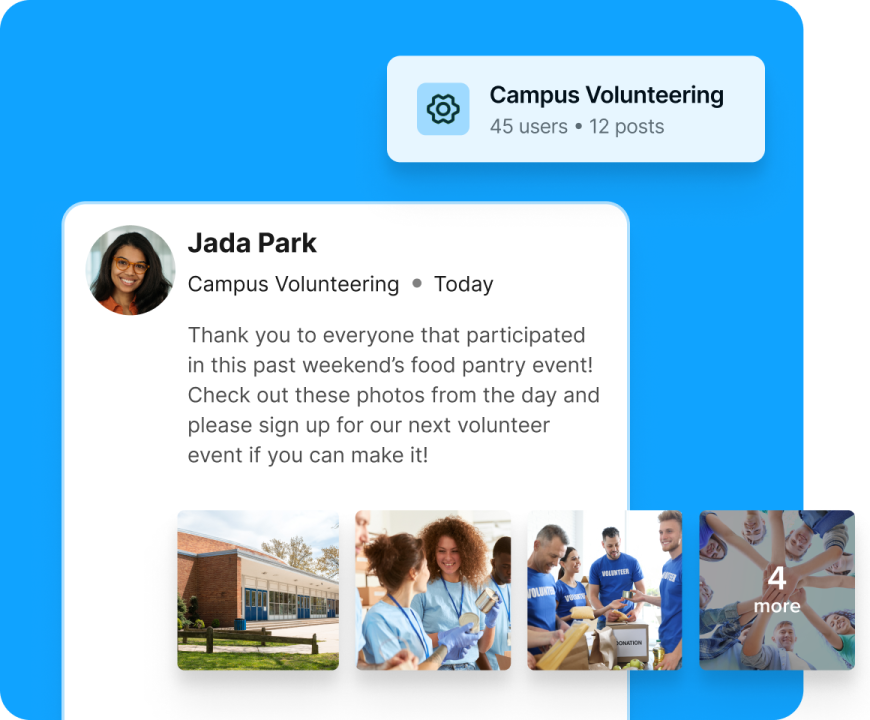
No more Facebook Groups, email lists, or messaging apps. Community groups have the same capabilities as the rest of ParentSquare, so everyone benefits from centralized contact management, automatic translation, and delivery via text, email, and app.
ParentSquare Community Groups lets districts create and manage groups for audiences inside and outside the school community, such as PTAs/PTOs, athletics and booster clubs, after-school programs, clubs, volunteers, alumni, and more. Community members can sign up for the groups relevant to them on one shareable page, making it easy to deliver targeted school communication without relying on separate apps or mailing lists.
Yes. Districts can choose whether a group is open to the public or limited to approved members. Admins can manage signups, control participation, and tailor permissions so each group reaches the right audience with the right level of access.
Yes. Messages sent through Community Groups include ParentSquare’s automatic translation features, helping districts reach multilingual community members in the languages they prefer.
Consumer apps can be hard to manage, don’t integrate with school systems, and often create extra work for staff. ParentSquare Community Groups keeps outreach in the same platform districts already use for school communication, with translation, multi-channel delivery, contact management, and admin controls built in. Everything stays centralized, consistent, and designed for K-12, not spread across multiple apps.
We meet families in the channels they actually prefer, like text, app, and real-time messaging, and let them choose how they want to connect. Parents have one place to go, and schools have one engagement platform to use.

Power meaningful communication to engage families, schools, and communities.

Improve attendance with personalized communication, automated at scale.

Keep classroom-level communication simple and consistent.

Reach the right people quickly with district-controlled alerts and updates in one system.

Deliver accessible school websites that reflect your district and keep families informed.

AI and data intelligence to reduce workload, mitigate risk, and surface insights.